
Rube
A little help across all your apps.
BRAND & PRODUCT DESIGN · COMPOSIORube
Launched in 2025, Rube was a product for handing everyday work to an AI agent. It could catch up on email, prepare for a meeting, and turn a useful conversation into a workflow that ran again across your apps.
I designed the brand and product experience at Composio, from the first app connection to the controls teams needed to adopt it.
By October 2025, Rube had grown to 7K+ monthly users, completing 250K+ actions across their apps that month.
Now your AI canSend emailswith  Gmail
Gmail
Interactive demo
Try a task, connect your apps, or run a recipe.
👋 Hello there, Malay!
What do you want to get done?
Triage my inbox


Synthesize user research

Prep me for my next meeting
Getting a task done
Begin with a request, connect the right apps, and come back to a useful result.
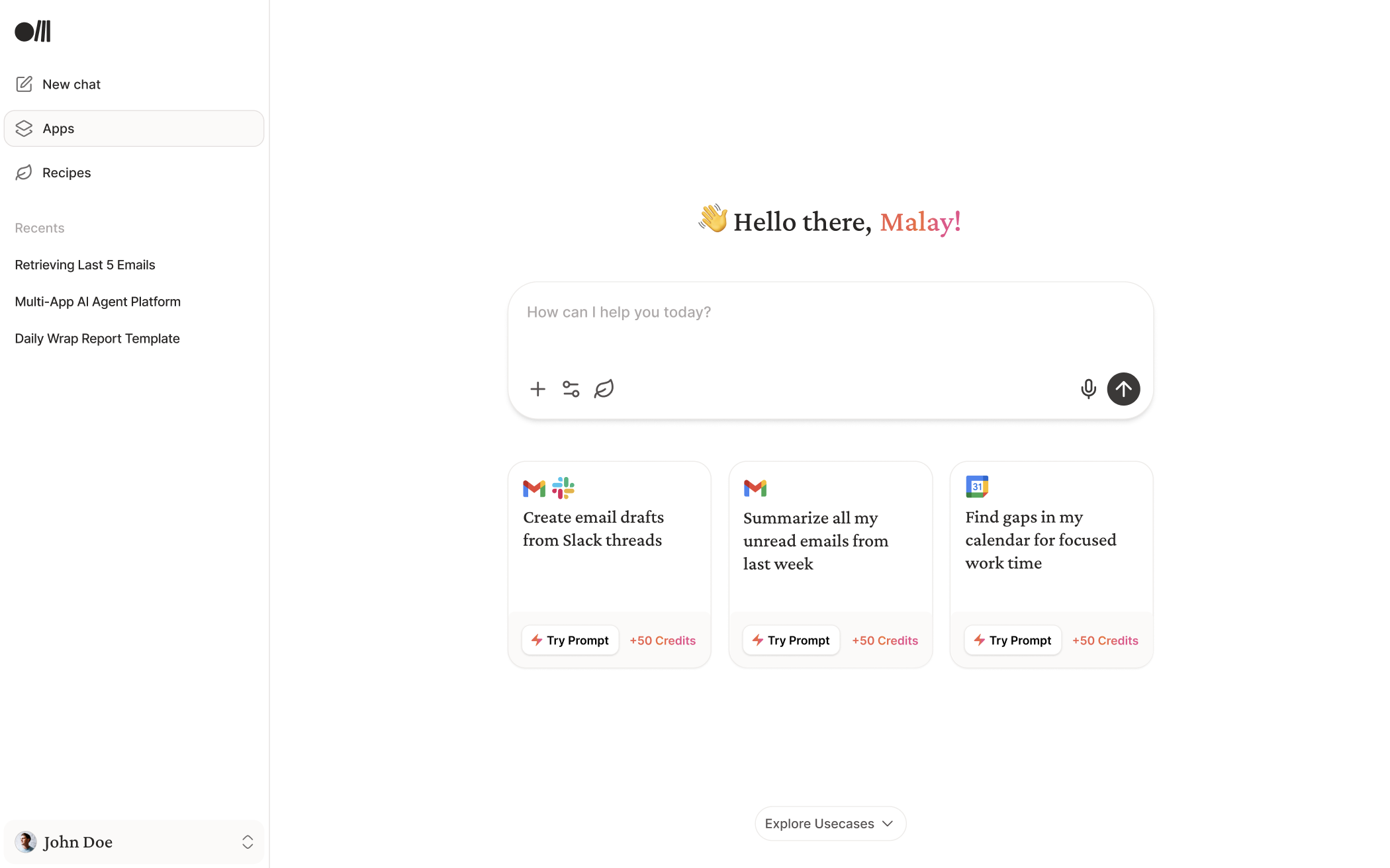
A blank chat box asks a lot of someone meeting a product for the first time. Rube offered small, familiar starting points: summarize an inbox, write an update, find some time.
The apps stayed close to the conversation. You could see what was connected, add another, and come back to the task.
A first useful task
Start from an intention
A familiar task gives the conversation somewhere concrete to begin.
Connect your apps



Start with your apps
See the team’s app connections and add another integration from the same place.
Use another AI client


Choose your client
Installation begins with recognizable clients rather than an unexplained configuration snippet.
Making useful work repeatable
Save a conversation as a recipe, run it again, or put it on a schedule.
Some tasks were worth keeping. Rube let you turn the work from a chat into a recipe, carrying the context forward instead of asking you to describe it all again.
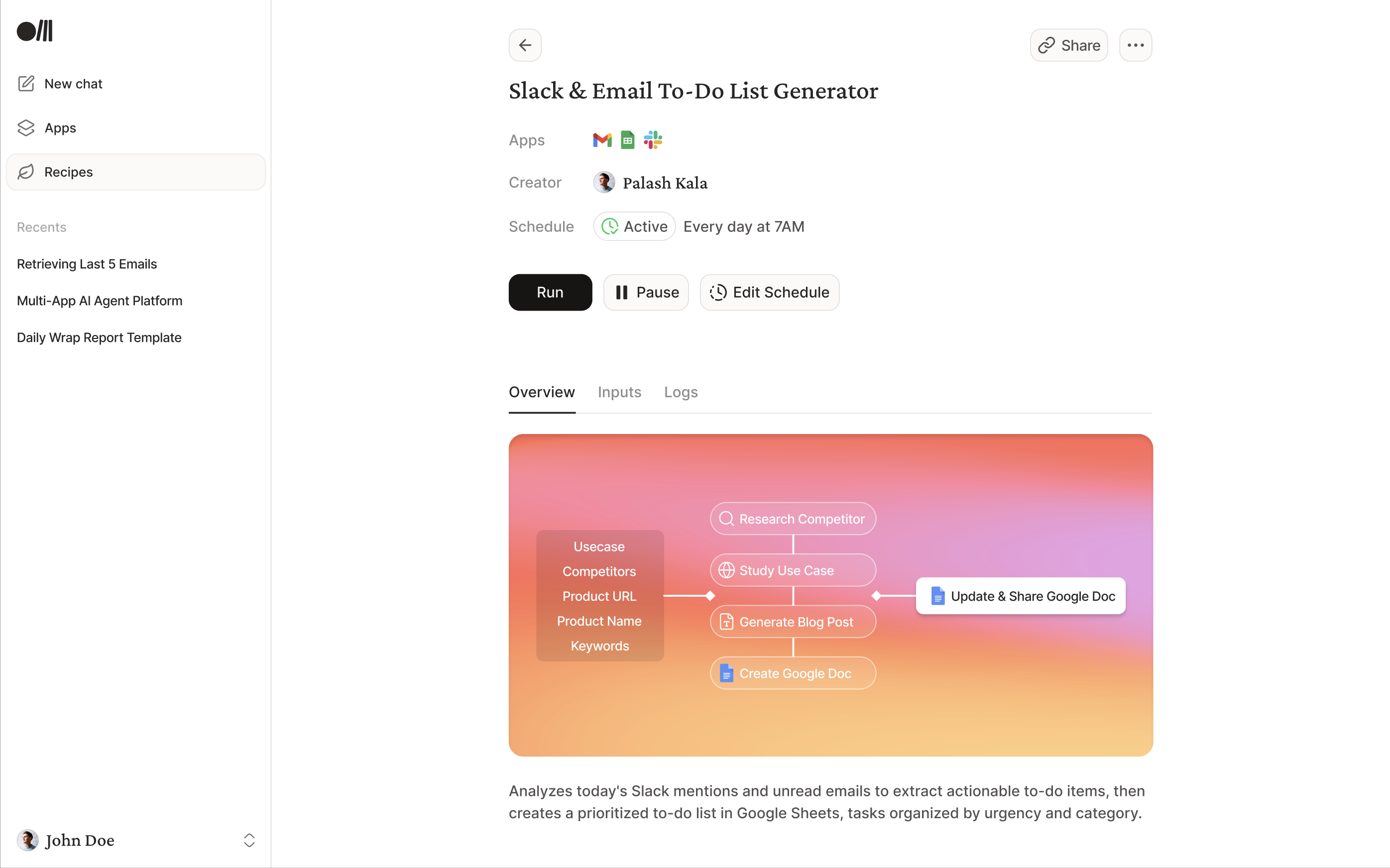
A recipe could stay something you ran when needed. A schedule made it recurring work, with inputs, connections, and controls to pause or review each run.
Turn a conversation into a recipe
Start with work worth repeating
The conversation already contains the task and its result. That context becomes the starting point for a recipe.
Reuse a workflow
Find a starting point
Browse recipes for tasks that recur across work, with the required apps visible before opening one.
Put it on a schedule
Start with a saved recipe
Scheduling belongs to a known workflow, so the person can understand what will run.
Manage recurring work
Find the active schedule
The cadence and active status are visible on the recipe.
Making it work for teams
Give administrators control over the context and actions an agent can access.
Connecting an app is a different decision at work. Who chooses the credentials? Which scopes and actions are allowed? What happens when another team needs the same setup?
Rube separated the admin’s configuration from each member’s connected account. Team setup, granular permissions, configuration import, and access requests made that boundary part of the product.
Set up a team
Give the workspace an identity
A named team establishes the shared workspace before its members and app permissions are configured.
Control app access
Choose who manages authentication
Use the managed connection or bring the team’s own developer app.
Import configuration
Start from the app’s configuration
Import is placed beside the configuration it will affect, rather than hidden in general account settings.
Manage membership
Review who has access
Names, roles, and invitation status share one view.
Operate at team scale
See who did what
Admins see the acting user in activity logs, alongside app activity and status.
Looking back
In 2025, Rube connected apps, turned conversations into recipes, and scheduled work.
The harder part was getting the models to follow through consistently.
Rube didn’t get the traction we’d hoped for, and we decided to shut it down. We wanted to offer a unified experience inside the agent environments people were already using. At the time, that meant terminal coding agents.
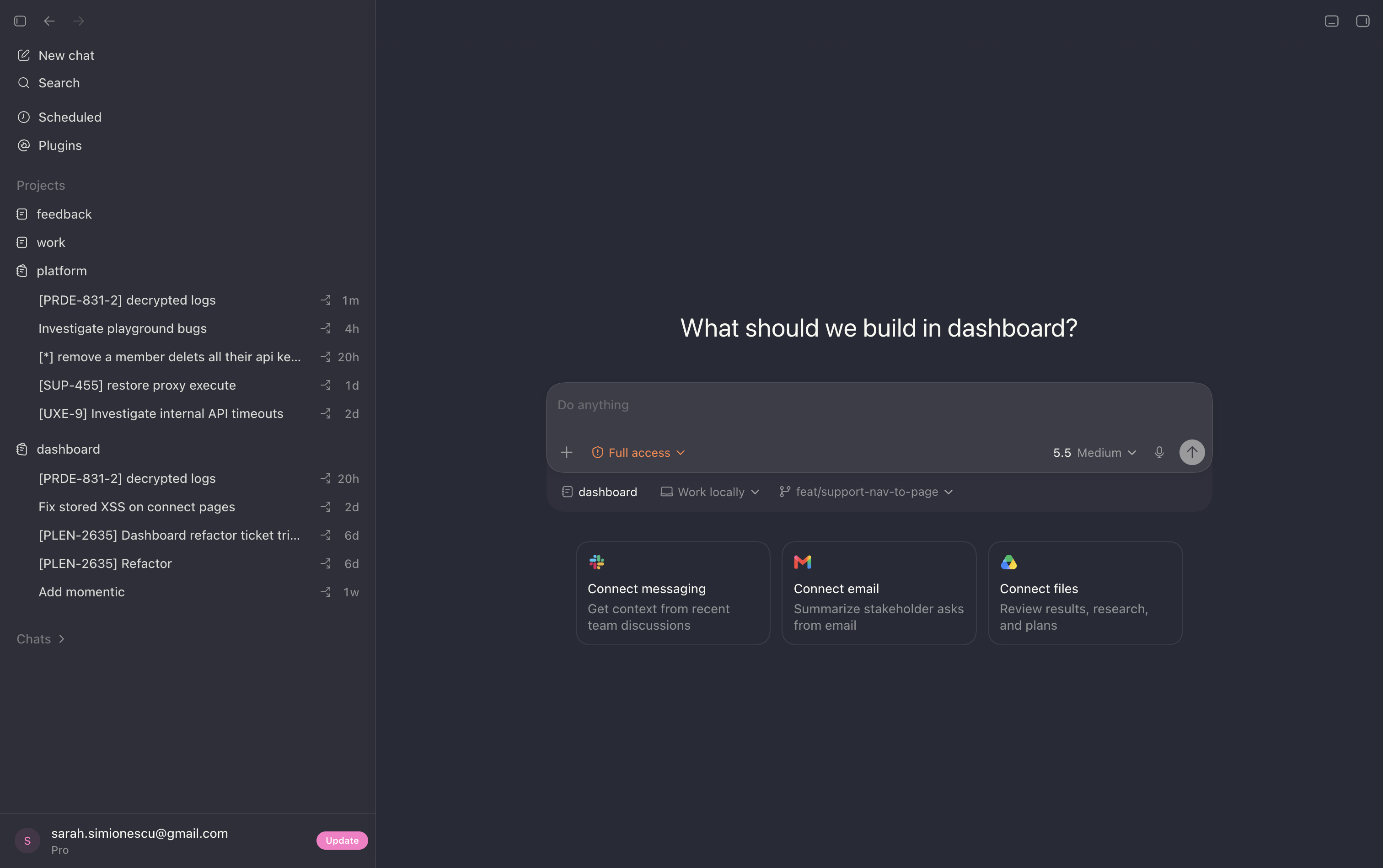
Start with the work and its context.
Rube suggested tasks across familiar apps. Codex brings those sources of context into the starting experience too.
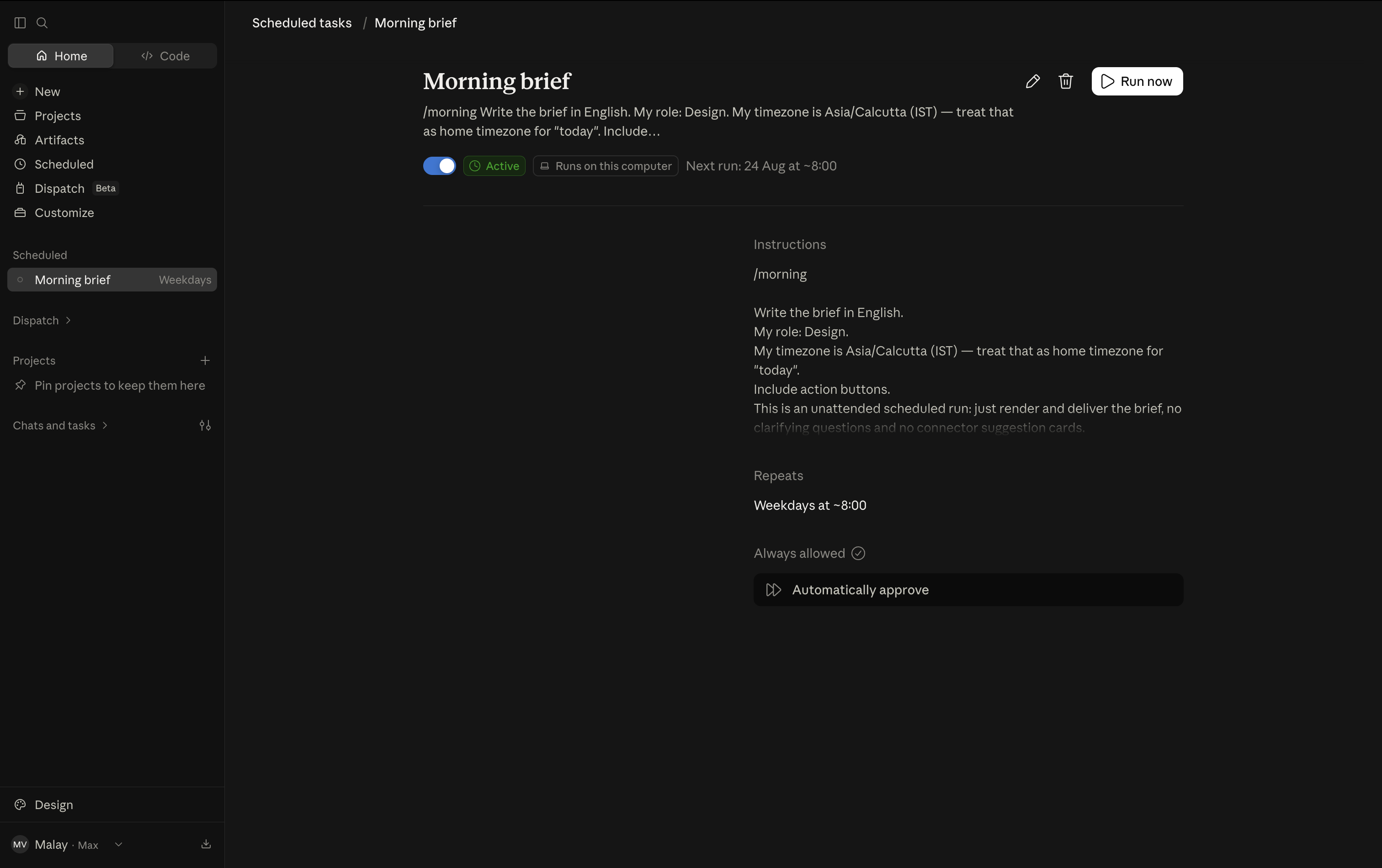
Make useful work repeatable.
A saved task, a cadence, an active state, and a way to run it again. Rube’s recipes were built around that same progression.
What I wanted was simple: hand over a piece of work and come back to something useful.
Seeing these patterns become familiar is what stays with me about Rube: the work of designing an agent extended far beyond the conversation.